Migration Mode
Administrators can put Nakisa Lease Accounting Suite into Migration Mode to migrate objects created in another system (e.g., Nakisa Lease Accounting Suite versions 2022.R2.SPx) into the latest Nakisa Lease Accounting Suite and Nakisa General Ledger. Administrators can also migrate historically transactions posted in another system via API.
All migrated objects (master agreements down to units) are identified with a "Migrated" flag so that they can always be identified or separated via filtering options. This also applies to objects created manually directly in Nakisa Lease Accounting Suite, or objects created via an integrated Nakisa Portfolio Management Suite. Even after Migration Mode is turned off, if any migrated objects are subsequently approved, the child objects are also flagged as "Migrated". Note that only transactions imported via API have the "Migrated" flag. Transactions posted for migrated activation groups will not have the "Migrated" flag.
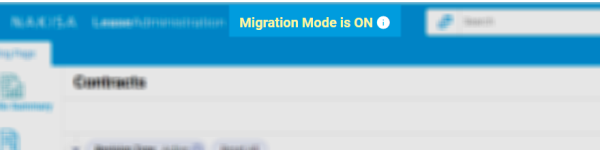
When Migration Mode is on, the message "Migration Mode is ON" appears in the header, as well as a tooltip with information about the period.
Note: If the Migration Mode was set up with the ID Generation Type set to Manual, objects can only be created via Mass Import, or via API.
To identify, filter, and group information related to migrated objects, all job filters include a Migrated Filter Type, and the landing pages have a Data Source filter to filter based on the source system of the migration (e.g., 2022.R2.SPx or "Local" for objects created locally in this version of Nakisa Lease Accounting Suite). The Consolidated Transaction Report in Nakisa General Ledger also has a Migrated column to identify the transactions migrated via API.

|
Nakisa Lease Accounting Suite 2025.R2 © 2025
|
Nakisa Inc. All rights reserved worldwide. |